Discount calculator
See the final price and how much you save, including stacked discounts like "30% off, then an extra 10%".
0 viewsPrivate by design: this tool runs in your browser. Nothing you add is uploaded.
How to use it
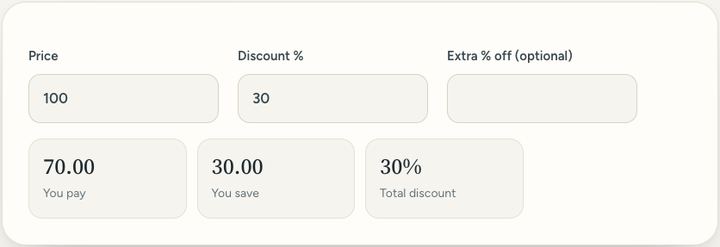
- Type the price before the discount.
- Type the discount, for example 30 for 30% off.
- If there is an extra discount on top, type it in the third box.
- Read the final price and how much you save.
Questions and answers
Is 30% off then 10% off the same as 40% off?
No. The second discount comes off the already-reduced price, so it adds up to 37% off, not 40%.
How do I check a "was / now" price?
Use the Percentage calculator's last line: from the old price to the new price shows the real discount.
Does it include sales tax?
No. Add tax afterwards with the Sales tax calculator if prices are shown without it.
All of this, one click away
Sureno Browser keeps a PDF editor and everyday tools built in, and works offline. Free, calm and private.
More news
Loading more stories…