Merge PDF files into one
Put several PDFs together in seconds. Drag them into order, press merge, and download one tidy file.
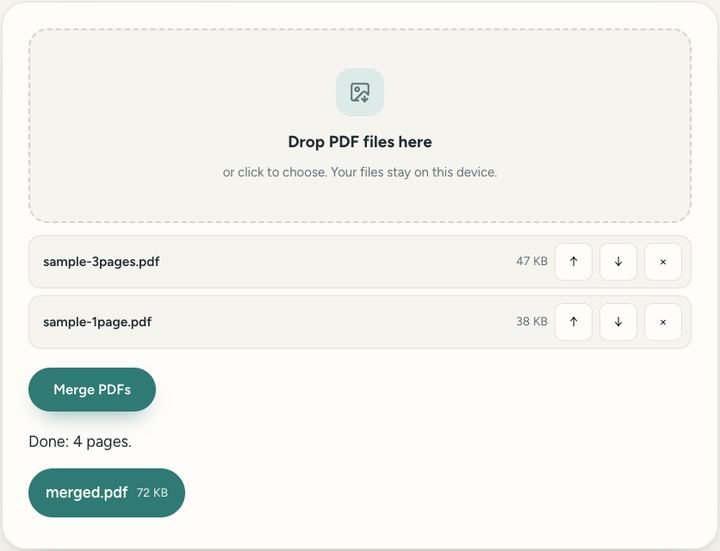
8 viewsDrop PDF files hereor click to choose. Your files stay on this device.
Private by design: this tool runs in your browser. Nothing you add is uploaded.
How to use it
- Drop two or more PDF files into the box, or click to choose them.
- Use the arrows to put them in the order you want.
- Press "Merge PDFs" and download the combined file.
Questions and answers
Are my files uploaded?
No. The merging happens inside your own browser, so your documents never leave your device.
Is there a size limit?
Only your device's memory. Most computers handle hundreds of pages comfortably.
Can I merge password-protected PDFs?
Not while they are locked. Open them with their password and save an unlocked copy first.
All of this, one click away
Sureno Browser keeps a PDF editor and everyday tools built in, and works offline. Free, calm and private.
More news
Loading more stories…