Pick a colour from an image
Find the exact colour of anything in a photo, as a code you can use for paint, fabric or design.
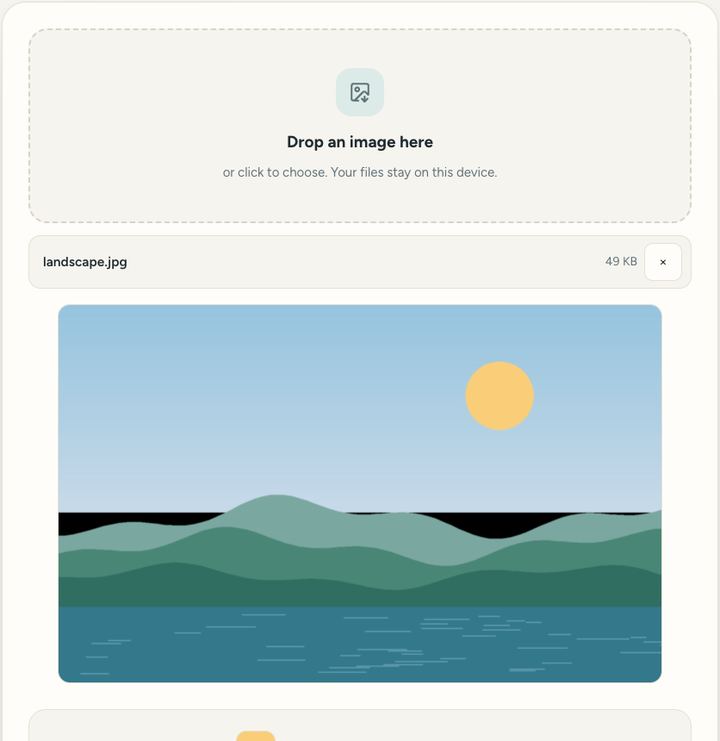
1 viewDrop an image hereor click to choose. Your files stay on this device.
Click the picture
Private by design: this tool runs in your browser. Nothing you add is uploaded.
How to use it
- Drop a picture.
- Click on the colour you want.
- Copy its code.
Questions and answers
What do the codes mean?
HEX (like #2F7A74) is used on the web; RGB gives the red, green and blue amounts from 0 to 255.
Can I pick a colour from a screenshot?
Yes. Take a screenshot, drop it in and click the colour.
Is my picture uploaded?
No. The colour is read in your browser.
All of this, one click away
Sureno Browser keeps a PDF editor and everyday tools built in, and works offline. Free, calm and private.
More news
Loading more stories…