HEX, RGB and HSL colour converter
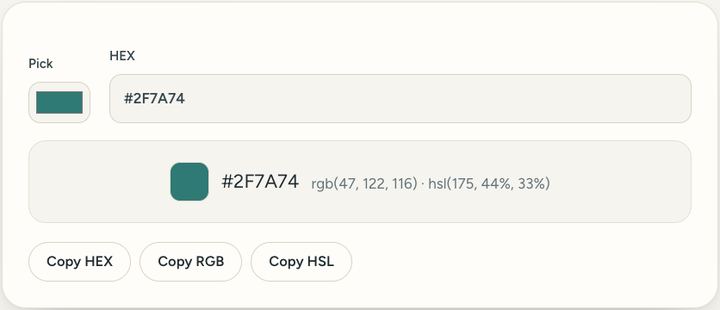
Pick a colour or paste a code and see it as HEX, RGB and HSL.
1 viewPrivate by design: this tool runs in your browser. Nothing you add is uploaded.
How to use it
- Use the colour picker, or type a HEX code such as #2F7A74.
- See the same colour as RGB and HSL.
- Copy the form you need.
Questions and answers
What do the codes mean?
HEX and RGB describe the same red, green and blue mix. HSL describes the hue, how strong the colour is, and how light it is.
What is HSL?
Hue, saturation and lightness: the colour, how strong it is and how light it is.
Can I get a colour from a photo?
Yes, with the Colour picker tool: drop the photo and click the colour.
All of this, one click away
Sureno Browser keeps a PDF editor and everyday tools built in, and works offline. Free, calm and private.
More news
Loading more stories…