

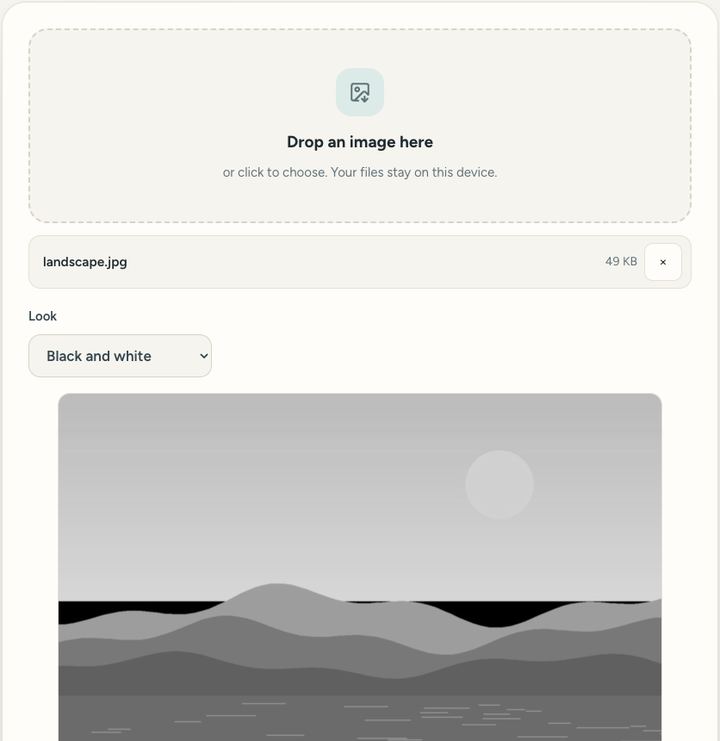
Make a photo black and white
Give any photo a timeless black-and-white or warm sepia look.
0 viewsDrop an image hereor click to choose. Your files stay on this device.
Private by design: this tool runs in your browser. Nothing you add is uploaded.
How to use it
- Drop a photo.
- Choose a look.
- Press "Download".
Questions and answers
Can I get the colour back?
Your original photo is untouched; this makes a new copy.
What is sepia?
A warm brown tint like old photographs. Choose "Sepia" for a vintage look.
Is my photo uploaded?
No. The new look is made inside your browser.
All of this, one click away
Sureno Browser keeps a PDF editor and everyday tools built in, and works offline. Free, calm and private.
More news
Loading stories…