PX to REM converter
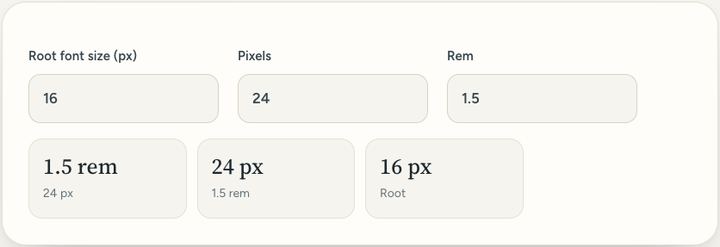
Convert CSS pixels to rem and back. The usual root size is 16 pixels.
0 viewsPrivate by design: this tool runs in your browser. Nothing you add is uploaded.
How to use it
- Leave the root size at 16 unless your page sets a different one.
- Type pixels to see rem, or rem to see pixels.
- Copy the value into your style sheet.
Questions and answers
What is a rem?
A rem is the root font size. At the usual 16 pixel root, 1 rem is 16 pixels and 1.5 rem is 24 pixels.
Why use rem?
Rem sizes grow when a reader makes the text bigger in their browser, which helps people who need large print.
What is 1 rem in pixels?
Usually 16 pixels, the default text size in browsers.
All of this, one click away
Sureno Browser keeps a PDF editor and everyday tools built in, and works offline. Free, calm and private.
More news
Loading more stories…