What browser do I have?
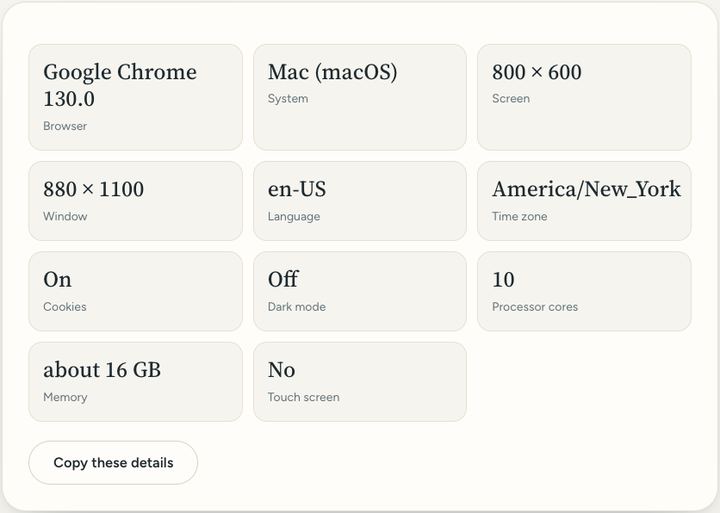
Helpful when someone asks "which browser are you using?": your browser, its version and your device details.
1 viewPrivate by design: this tool runs in your browser. Nothing you add is uploaded.
How to use it
- Open this page. Your browser, its version, your system and your screen size appear straight away.
- Press "Copy these details".
- Paste them into a message or email to whoever is helping you.
Questions and answers
Is my browser up to date?
Most browsers update themselves. In the browser's menu, look for "About" or "Help" to check or update.
Is any of this sent anywhere?
No. The details are read by this page in your browser and shown only to you.
What is the difference between a browser and a search engine?
The browser is the program you use to visit websites, such as Safari, Chrome or Edge. A search engine, such as Google, is a website that finds pages.
All of this, one click away
Sureno Browser keeps a PDF editor and everyday tools built in, and works offline. Free, calm and private.
More news
Loading more stories…