How strong is my password?
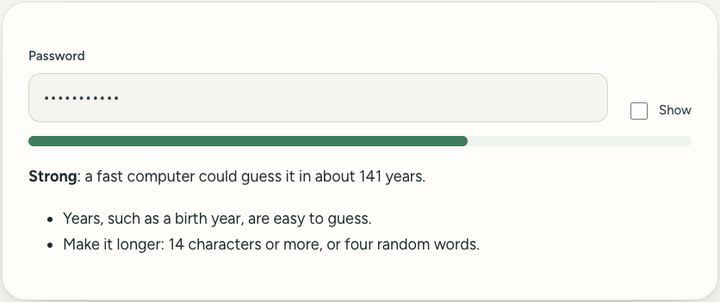
Type a password to see how hard it is to guess, and how to make it stronger. Nothing you type is sent anywhere.
0 viewsPrivate by design: this tool runs in your browser. Nothing you add is uploaded.
How to use it
- Type a password, or one like it, in the box.
- Tick "Show" if you want to see what you typed.
- Read the rating, the time to crack it, and the tips.
- Make it longer, or use the Password generator, until it is rated strong.
Questions and answers
Is it safe to type my real password here?
The check runs only in this page and nothing is sent. To be extra careful, type a similar password instead.
How is the time worked out?
It estimates the guesses needed from length, character types and common patterns, at the speed of a fast offline attack.
What makes a password weak?
Being short, being a common word or name, or following a pattern like "Summer2026!" that attackers try first.
All of this, one click away
Sureno Browser keeps a PDF editor and everyday tools built in, and works offline. Free, calm and private.
More news
Loading more stories…