Add page numbers to a PDF
Put clear page numbers on every page, such as "3" or "Page 3 of 12", in seconds.
0 viewsDrop one PDF hereor click to choose. Your files stay on this device.
Private by design: this tool runs in your browser. Nothing you add is uploaded.
How to use it
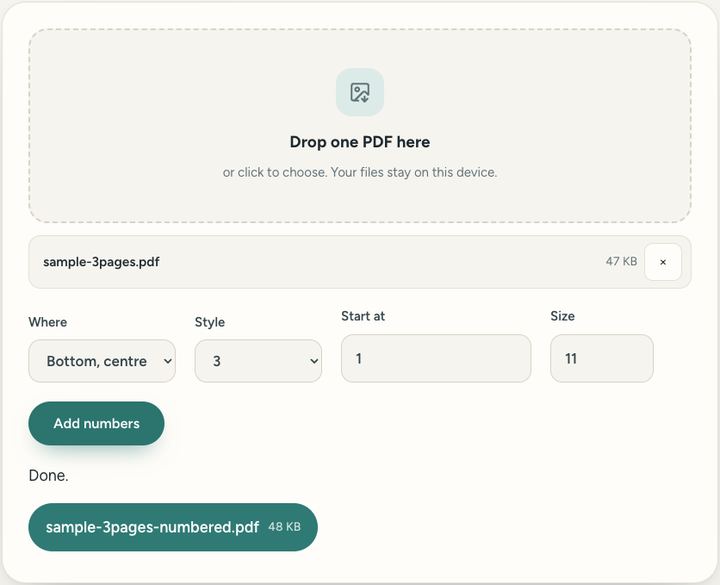
- Drop a PDF into the box.
- Choose where the numbers go and how they look.
- Press "Add numbers" and download.
Questions and answers
Can I skip the cover page?
Yes: set "Start at" to 0 and the first page stays unnumbered while the second becomes page 1.
Can I choose where the numbers go?
Yes: bottom centre, bottom right or top right, in the size you pick.
Will it change the rest of the page?
No. Only the small number is added; the text and pictures stay as they were.
All of this, one click away
Sureno Browser keeps a PDF editor and everyday tools built in, and works offline. Free, calm and private.
More news
Loading more stories…