

Alarms can appear without sound or vibration: how to avoid the iPhone’s notorious silent alarm
A persistent, unexplained problem
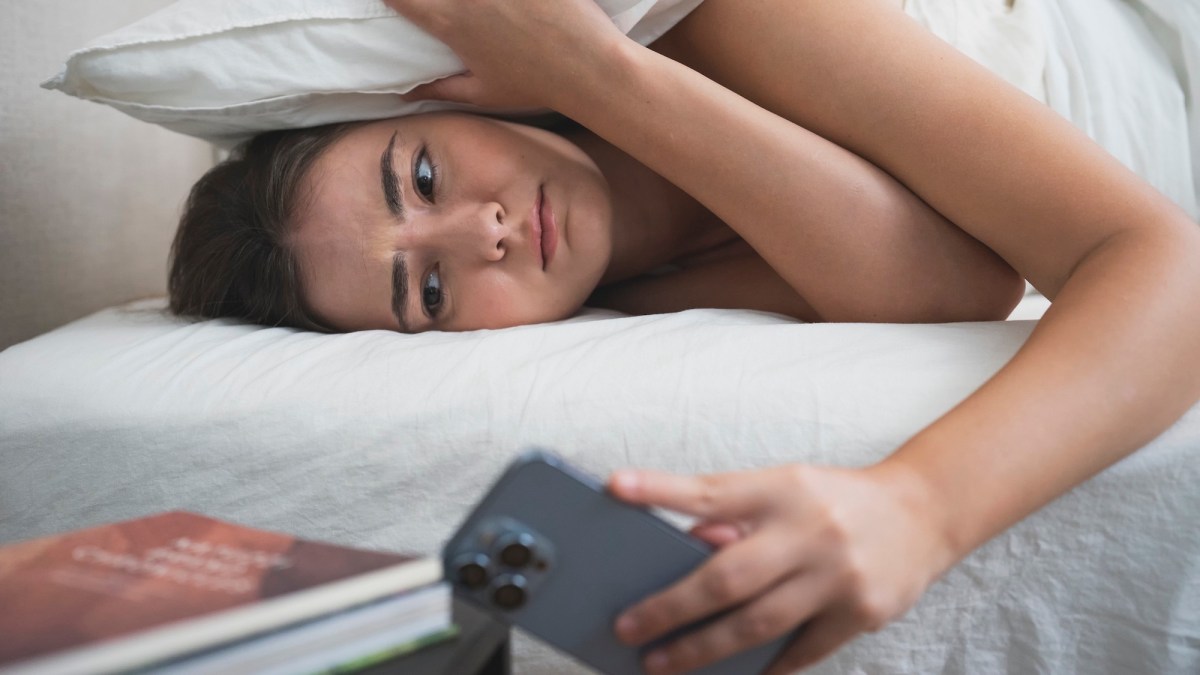
The so-called silent alarm bug makes an alarm appear on an iPhone screen without ringing or vibrating. It has affected some users for at least a couple of years, though not everyone.
Apple said in 2024 that it was fixing the issue, but did not explain its cause. Users continue to report it, and the problem may disappear with one iOS version only to return in a later release. The available information does not establish a single cause.
Check alarm and sound settings
In Clock, open the Alarms tab, select Edit, then tap an alarm to check that Sound is not set to None. Also review Repeat to confirm the alarm is scheduled for the intended days. If one alarm fails, deleting it and setting it up again is another option.
In Settings, open Sounds & Haptics and raise the Ringtone and Alerts slider. Turning off Change with Buttons can help prevent accidental changes to alert volume. Apple says alarms still sound when Silent mode or Do Not Disturb is enabled; connected headphones should not prevent sound from the iPhone’s built-in speakers.
Other settings to consider
Some users report improvement after turning off Attention-Aware Features, found under Face ID & Passcode in Settings. The feature can adjust alarm volume when the iPhone detects that someone is looking at the screen, but it should lower the volume rather than mute the alarm completely.
If an alarm sounds but does not vibrate, StandBy may explain the missing haptics: Apple turns off alarm vibrations in that full-screen clock view. Focus modes also do not silence alarms, according to the article’s account of Apple’s guidance.
Keep time and software current
Apple warns that manually changing the iPhone’s time can affect alarms. The recommended setting is Set Automatically, under General, then Date & Time in Settings. Keeping iOS updated may help if Apple addresses the bug in a later release, although the issue has continued in recent software versions. The article also notes that iOS 26 changed the alarm screen, placing large Stop and Snooze buttons close together; that redesign is a separate possible source of missed alarms.
Key points
- Some iPhone alarms display normally but produce no sound or vibration.
- Apple said in 2024 it was fixing the issue, but the cause remains unclear.
- Check the alarm’s Sound setting and raise the Ringtone and Alerts volume.
- Silent mode and Do Not Disturb do not silence alarms, according to Apple.