

What Android Text Messages’ Single and Double Check Marks Mean for RCS Delivery
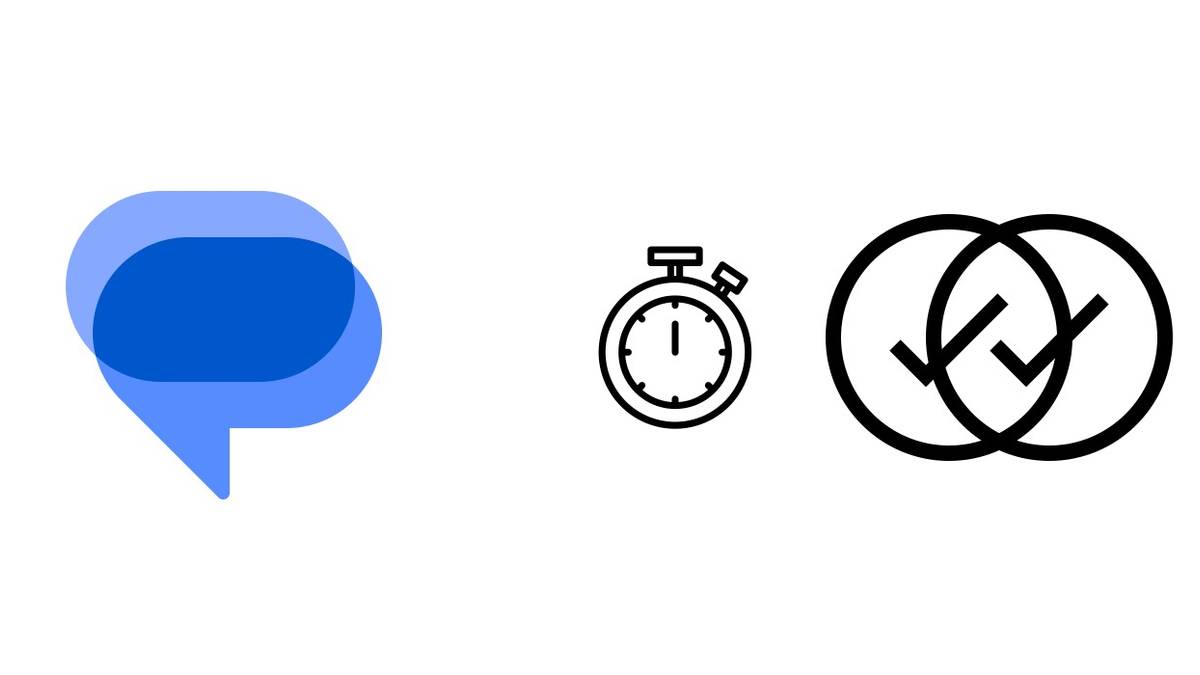
The icons apply to RCS chats
Google Messages supports SMS and MMS, as well as chat features for sending one-to-one or group messages over an internet connection. Its chat messages can be end-to-end encrypted.
The check-mark indicators are for RCS conversations, according to Google's support page. They are not shown for SMS or MMS messages.
Two checks show message status
Two check marks indicate that a message has been delivered. The recipient should have received a notification and can view the message. White checks indicate the message has not yet been read. Read messages also have two checks, but those appear inside colored circles rather than white or empty circles.
Sending and the design change
A stopwatch icon means a message is still being sent. If it remains for a long time, the connection may be inadequate, although the cause may not be on the user's end.
The update replaces text statuses, including “Sending,” with icons. Google Messages is joining other apps that use status symbols; the article notes that icons take less screen space and align with the app's encryption indicator.
Key points
- Google Messages check marks apply to RCS chats, not SMS or MMS.
- One check means sent; two checks mean delivered.
- White double checks indicate delivery without a read; colored circles indicate the message was read.
- A stopwatch icon means the message is still being sent.