

GTA 6 Hidden 60fps Setting: Xbox Players Can Access It Now
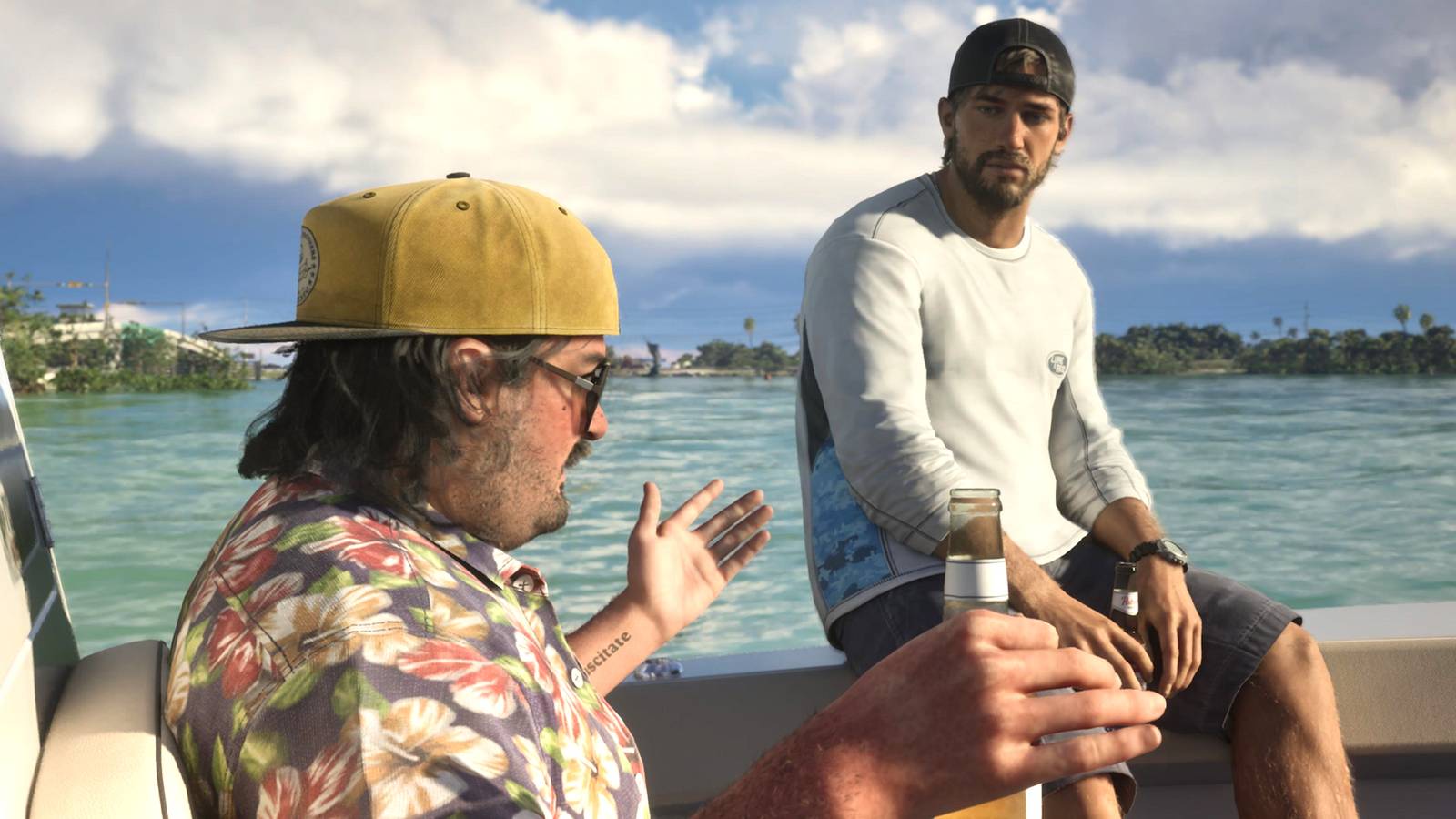
Quick Resume lifts the cap
Digital Foundry confirmed that a bug with Quick Resume on Xbox Series S/X can push GTA VI above its usual 30 FPS limit. The frame rate holds up better in areas with fewer people and falls closer to 30 in more crowded places.
The workaround is not a formal performance mode. The article says the Zen 2 CPU struggles to sustain higher rates, while the game’s engine appears tied to its frame-rate cap.
Animations may look faster
Exceeding the cap also speeds up animations, which may look unusual compared with the game’s standard presentation. The writer says the effect felt less jarring than expected during play. The report says GTA VI remains enjoyable across platforms, even though the workaround is currently described for Xbox players.
Steps to try the workaround
Close GTA VI completely, then set the console display refresh rate to 60Hz. Launch the game and hold the Xbox button when the six-star animation appears on screen.
Next, change the refresh rate to 120Hz and launch another game that is not in the Quick Resume tray. After it has loaded past its splash screens, resume GTA VI through Quick Resume; the frame-rate limit should then be unlocked.
Key points
- Quick Resume on Xbox Series S/X can let GTA VI exceed its 30 FPS cap.
- Higher frame rates hold up better in less-populated areas than in crowded ones.
- The workaround requires changing refresh rates and resuming GTA VI through Quick Resume.
- Unlocking the cap speeds up animations, while the Zen 2 CPU limits consistency.